Running a website today is easier than ever, but keeping it safe can sometimes feel overwhelming, especially if you are not a technical expert. Whether you run a small business blog or an online store in Sri Lanka, website security is not something you can ignore.
The good news? You don't need to be a computer genius to protect your site. Most website hacks happen because of simple mistakes. By taking a few basic precautions, you can keep your data and your visitors safe.
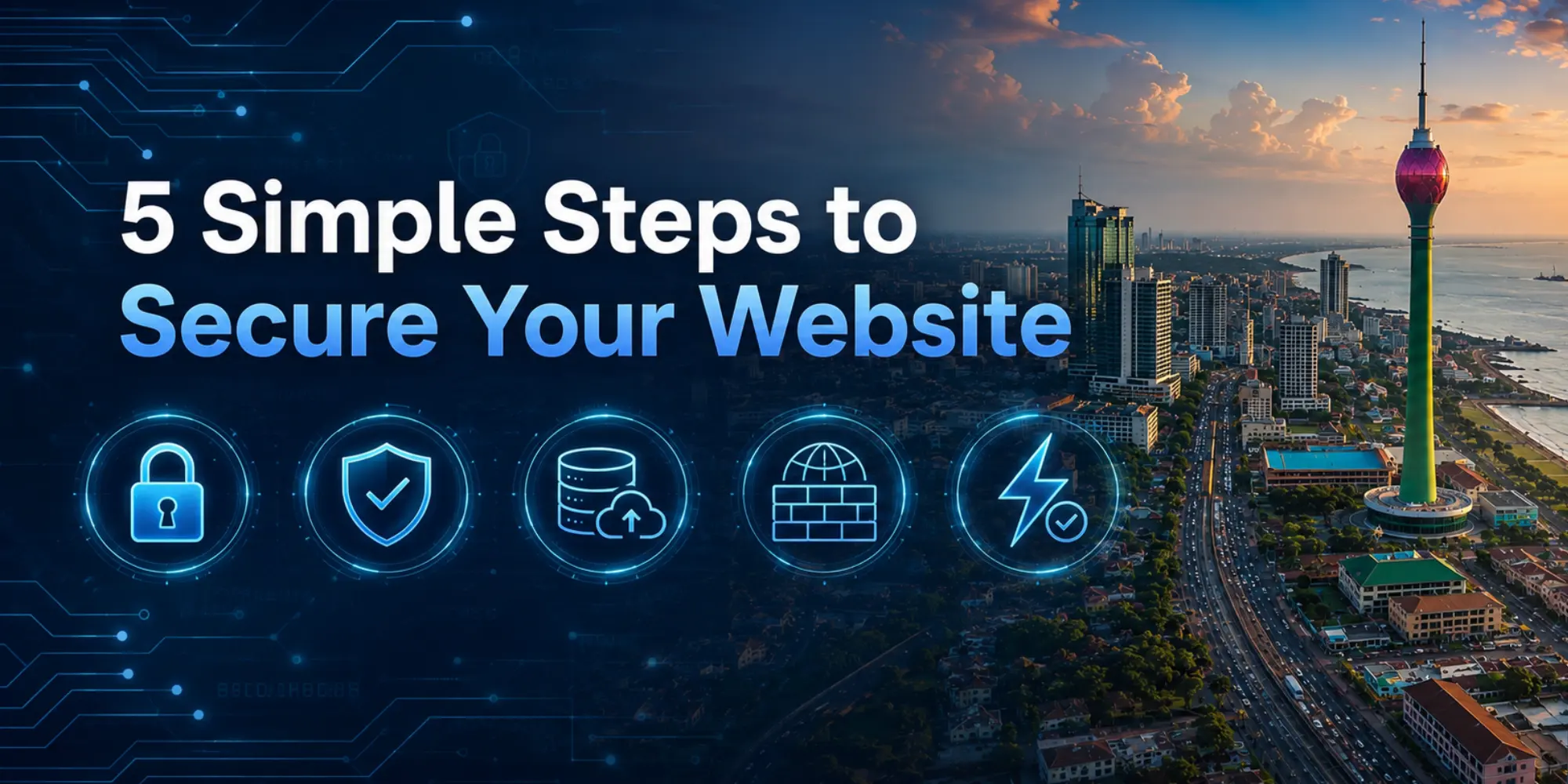
Here are 5 simple, non-technical steps to secure your website today.
1. Keep Your Software and Plugins Up-to-Date
Think of your website like your home. If a lock on your door gets old and breaks, you replace it so thieves can't get in.
Software updates work the exact same way. The systems that run your website (like WordPress) and the plugins you use frequently release updates. These updates aren't just for adding new features; they mostly contain security fixes.
When hackers find a weak spot (a vulnerability) in an old version of a plugin, they use it to break into websites. By simply clicking "Update" to ensure you are running the latest software, you instantly patch those holes and block attackers.
A quick pro-tip, though: Always make sure your web hosting plan includes regular backups. Before doing any major software or theme updates, having a backup ensures that if an update temporarily breaks your website's design, you can easily restore it to normal with one click!
2. Install an SSL Certificate (HTTPS)
Have you ever noticed that some website addresses start with http:// while others start with https://, usually with a little padlock icon next to them?
That S stands for Secure, and it comes from an SSL Certificate.
When a user visits your site or types in their details (like a contact form or password), an SSL certificate encrypts that information. This means that while the data is traveling across the internet, no one can intercept or read it.
Getting an SSL certificate is a must-have for website security and building trust with your visitors. The best part? You rarely have to pay extra for it anymore. At Host Asia, we provide free SSL certificates with our Web Hosting Packages, so your secure connection is established automatically.
3. Always Use a Strong Password
This sounds obvious, but weak passwords are still one of the biggest reasons websites get compromised. Using password123, your name, or your phone number makes it incredibly easy for automated bots to guess your login details.
To create a strong password, treat it like a secret code:
- Make it long: Aim for a minimum of 12 characters.
- Mix it up: Use a combination of uppercase letters, lowercase letters, numbers, and symbols (like @, #, or &).
- Make it random:
Do not use dictionary words or personal information that is easy to guess.
A strong, complicated password is your first and best line of defense against unauthorized access.
4. Be Careful With Saving Passwords on Your Browser
Web browsers like Chrome, Safari, or Edge always ask, Do you want to save this password? While modern browsers have improved their security a lot, saving your passwords here can still be risky, especially if you share your computer with others or use a work device.
Furthermore, if you accidentally download malware or install an unsafe browser extension, those harmful programs can sometimes extract sensitive information right out of the browser.
While browser saving is convenient, the safest route is to avoid it if possible. Instead, type your password out each time, or use a dedicated, highly secure password manager app to keep your credentials locked away safely.
5. Do Not Click on Suspicious Links in Emails
Hackers often use a trick called phishing. They will send you an email that looks exactly like it came from your bank, your web hosting company, or a social media site. The message will urge you to click a link to verify your account or reset your password.
Never click these links. These links lead to fake, copycat websites designed to steal your login details or credit card numbers the moment you type them in. If you receive an unexpected email asking for sensitive information, ignore the link. Instead, open a new tab, type the official website address into your browser yourself, and log in securely from there.
Keep Your Website Safe with Host Asia
Website security doesn't require a degree in IT. By keeping your tools updated, using strong passwords, trusting an SSL connection, and being careful with your emails, you are instantly safer than thousands of other websites on the internet.
At Host Asia, we handle the technical heavy lifting so you don't have to. Check out our Secure Web Hosting Plans today, complete with free SSL and reliable support, to keep your online presence safe and growing.
Frequently Asked Questions
You Need to Know!
 Recent Topics for you